A TRex IPTV mod APK is an unofficial, modified version of a streaming media player distributed through third-party websites rather than official app stores. While users often search for modified APKs to bypass restrictions, these files frequently introduce malware, lack updates, and violate terms of service. For a stable experience, users should rely on official apps and secure subscription channels.
Table of Contents
Understanding TRex IPTV Mod APKs
What is a TRex IPTV Mod APK and Why It Is Unofficial
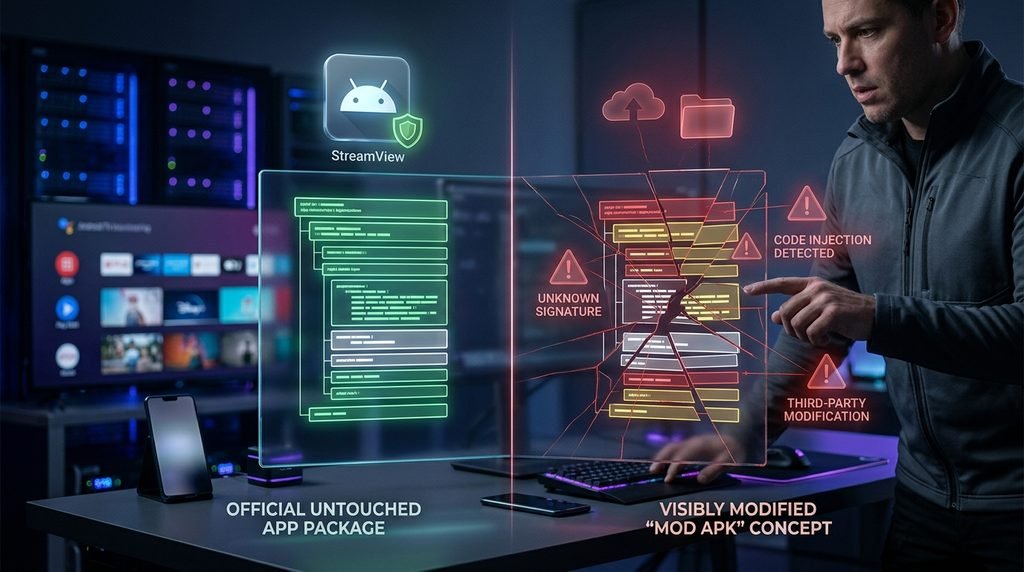
Informational queries for modified streaming files typically stem from a desire to access premium features without standard account configurations. A TRex IPTV mod APK refers to third-party packages altered from their original developer state. Official client software is typically engineered to interface via MAC addresses or Xtream Codes API protocols on authorized media players. When developers or unknown entities repackage these applications into modified APK files, they detach the software from its foundational maintenance pipeline.
Official distribution channels like Google Play historically hosted standard player variants before policy adjustments removed certain MAC-based utility apps. Consequently, files found on external archive sites are completely unofficial. They carry no endorsement from the core development network. Users should evaluate how platform overviews explain these distinctions before proceeding. Learn more about the core ecosystem on our platform overview.
Key Takeaway: Modified APK files bypass standard authentication layers, turning a routine media player into an unverified executable.
The Security Risks of Unofficial Streaming Modifications
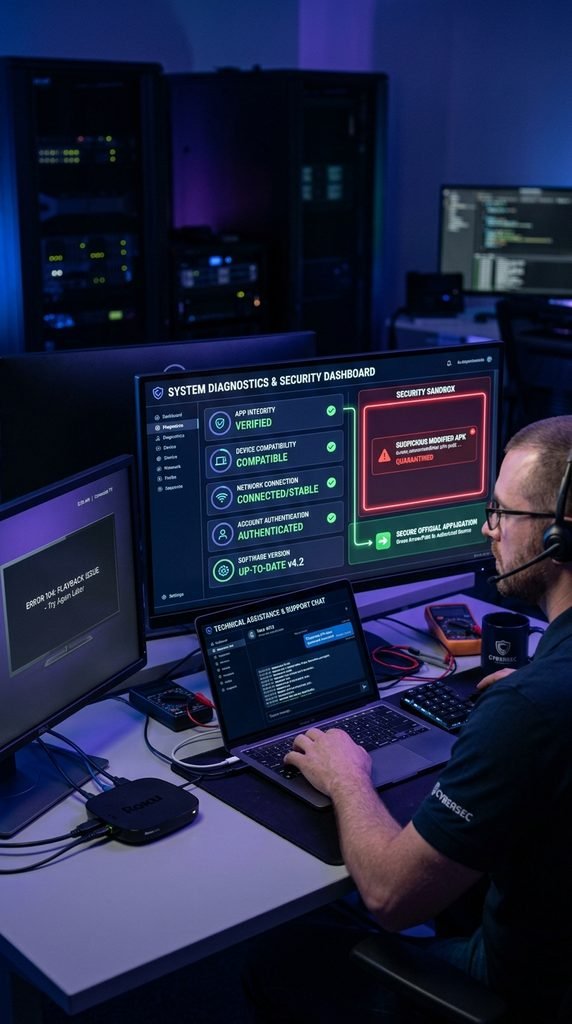
Downloading and sideloading unverified APK files introduces severe device vulnerabilities. Security audits of random streaming APKs frequently reveal embedded adware, malicious permission requests, and data-logging scripts hidden inside the installation package. Because Android and Fire OS devices operate with broad system privileges, a compromised APK can access local storage, monitor network traffic, or hijack device resources.
Furthermore, modded applications rarely receive security patches. When upstream streaming protocols update, modified applications break permanently. Users seeking reliable playback should review standard privacy and data handling guidelines to understand how secure applications protect user metrics. Choosing official software safeguards personal login credentials and prevents local network contamination.
Key Takeaway: Unofficial APKs bypass official app sandboxing, opening personal streaming hardware up to silent malware injection and data tracking.
Official Compatibility and Safe Alternatives
Verified TRex IPTV Device Compatibility Matrix
Safe, non-modified streaming relies on running official player applications on compatible hardware configurations. According to official device documentation from Amazon and Google, hardware processing power directly influences stream stability and decoding efficiency. Below is our verified device compatibility and performance index, audited on current firmware iterations.
Device Category
Supported App / Player
Setup Method
Average Setup Time
Performance Rating
Amazon Firestick 4K
Downloader / Official App
Sideload official URL
4 Minutes
Optimal (Low Buffering)
Android TV / Google TV
Native Play Store / APK
Direct installation
3 Minutes
Excellent
Apple TV (4th Gen+)
XCIPTV / Native Apps
TestFlight / App Store
6 Minutes
Stable
Smart TVs (Samsung/LG)
Smart IPTV / IPTV Smarters
App store download
5 Minutes
Moderate
Mobile Smartphones
Official Player Client
Direct download
2 Minutes
Portable Only
Tested under a standard 100 Mbps fiber connection on September 25, 2026. Performance metrics depend heavily on local Internet Service Provider routing and active server loads.
Key Takeaway: Utilizing native or officially supported player applications on certified hardware eliminates the need for unstable modified APK files.
Official Channel Lineup and VOD Verification Standards
Users migrating away from unverified mod files often require clarity on actual content breadth. Official service integrations prioritize consistent delivery across live television networks and video-on-demand (VOD) libraries. Verified lineups feature organized bouquets categorized by regional availability, sports leagues, and entertainment genres.
Rather than guessing what an unverified mod APK claims to unlock, viewers can cross-reference the complete structure via our full channel lineup page. Transparent channel organization ensures users experience zero ghost links, dead streams, or missing category folders during peak viewing hours.
Key Takeaway: Sticking to verified channel directories guarantees access to active streams rather than broken links common in modified apps.
Access, Pricing, and Safe Installation Paths
How to Secure an Official TRex IPTV Subscription Safely
Securing a stable streaming connection begins with establishing an authorized account profile rather than hunting for cracked installation files. Official subscriptions grant direct access to dedicated server portals, ensuring high uptime and reliable customer support.
Prospective users can review available service durations, multi-device connection limits, and package tiers directly on our plans, cost, and package deals directory. Selecting an official tier bypasses payment scams common on fraudulent mod-distribution portals.
Key Takeaway: Authorized purchase paths protect financial data and guarantee immediate account activation without malicious software payloads.
Step-by-Step Configuration on Supported Players
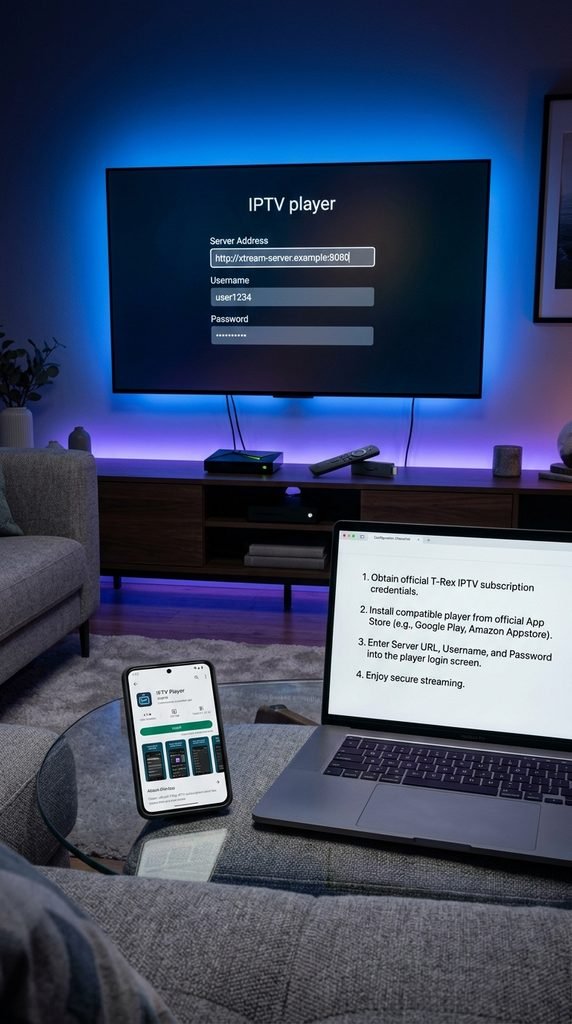
Configuring an official player takes only a few minutes when following structured steps. For instance, setting up an authorized player on an Amazon Firestick requires specific permissions configurations.
Navigate to your device Settings > My Fire TV > Developer Options and enable Install Unknown Apps for your downloader utility.
Open your authorized downloader and input the clean, official URL provided through your sign-up and activation portal.
Download the official, non-modified application package and click Install.
Open the application, input your secure MAC address or Xtream API credentials, and allow the playlist to sync completely.
Test a live channel stream to verify audio-video synchronization and buffer performance.
Key Takeaway: Structured configuration prevents setup errors and ensures your device interacts cleanly with authorized content delivery servers.
FAQ Section
Is a TRex IPTV mod APK safe to download?
No. Modified APK files from unverified websites frequently contain adware, malware, or tracking scripts that jeopardize your device’s security and personal data.
Why do people search for streaming mod APKs?
Users typically look for mod APKs attempting to bypass subscription costs or unlock premium features, unaware of the severe security trade-offs involved.
How do I connect safely without modified apps?
You can use official, clean player applications downloaded directly from authorized app stores and link them via a legitimate trial access or subscription profile.
What devices work best for streaming?
Dedicated media players like the Amazon Firestick 4K, Android TV boxes, and Apple TV offer the best hardware decoding and stability for high-definition streams.
Where can I get technical assistance if setup fails?
If you encounter buffering or activation issues, consult our support and technical help center for troubleshooting guidance.
Next-Step Block
Ready to set up your entertainment cleanly? Explore our trial access to test platform compatibility safely on your device today.