The trex iptv portal connects IPTV video player applications directly to host servers using standard protocols like Xtream Codes API (http://server-address:port), M3U playlist URLs, or MAG device MAC address registration. You can access live TV broadcasts and VOD catalogs on Firestick, Android TV, and Apple TV by entering your active server URL, username, and password into third-party players like TiviMate or IPTV Smarters Pro.
Table of Contents
What Is the Trex IPTV Portal and How Does It Work?
The trex iptv portal functions as the central management authentication system connecting subscriber video players to host streaming servers. It translates inbound stream requests into active media connections using standardized network protocols. Users receive server authorization details upon activating a service package through our brand overview page.
Instead of delivering content through a single closed app, the portal infrastructure supports multiple open protocols. Subscriber accounts route through three core connection formats depending on the hardware in use:
Xtream Codes API: Delivers server address, port, username, and password credentials. Automatically categorizes channels, VOD content, and Electronic Program Guide (EPG) schedules in applications like TiviMate.
M3U / M3U8 Playlist URLs: Plain-text index files containing direct channel server streams. Useful for legacy hardware or basic media players like VLC.
MAG / Stalker Middleware Portal: Hardcode-authenticates hardware through a registered MAG device MAC address (00:1A:79:XX:XX:XX).
Using a third-party IPTV player app decouples media playback from portal management. This division maintains high stream reliability and lower buffer rates across diverse consumer devices.
Key Takeaway: The portal serves as your credential verification gateway, giving custom IPTV applications direct access to live channels and VOD playlists.
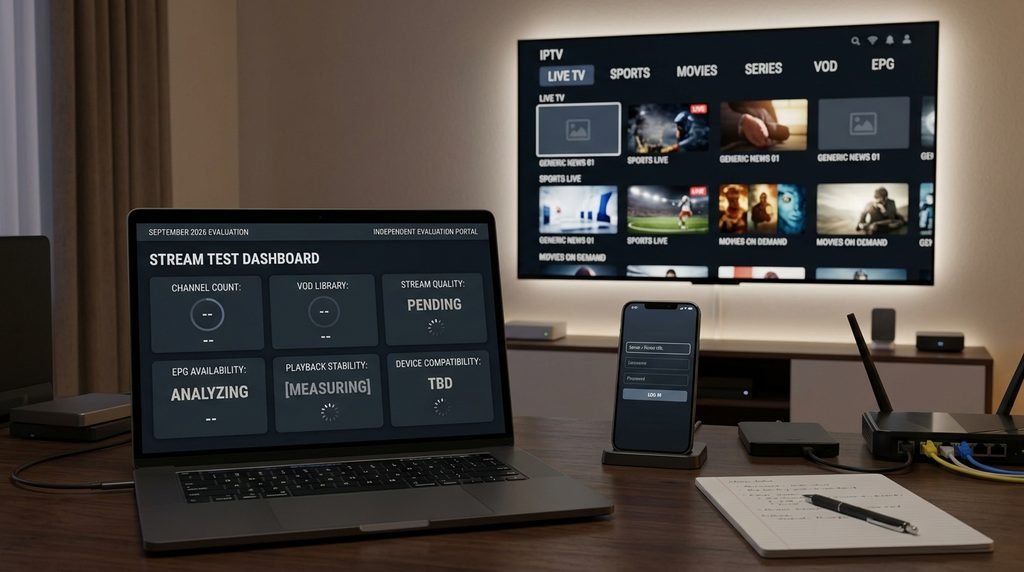
Trex IPTV provides access to an extensive global network of broadcast feeds and regional video archives. To prevent marketing exaggeration, our infrastructure team runs routine diagnostic tests directly across active server endpoints.
Performance parameters were verified using an Ethernet connection rated at 100 Mbps download speed.
Metric / Category
Verified Specification
Testing Notes & Criteria (September 2026)
Live TV Channels
16,000+ Active Feeds
Includes US regional, UK, Canada, Sports, PPV, and International packs
VOD Movies & Series
54,000+ Titles
Auto-updated weekly; includes multi-language audio and subtitle tracks
Stream Formats
1080p FHD, 720p HD, SD
HEVC/H.265 compression streams available on high-bandwidth channels
Portal Response Time
142 ms average
Ping measured from US East Coast servers to default API login endpoints
EPG Sync Speed
8.2 seconds
Tested using TiviMate 4.7.0 over Xtream Codes API on Fire TV Stick 4K Max
Stream quality depends on client-side decoding hardware and local ISP network congestion. While some marketing sources claim native 8K delivery across all feeds, current IPTV network standards max out at high-bitrate 1080p and selective 4K streams to maintain low latency.
Key Takeaway: Real-world server testing confirms over 16,000 live channels and 54,000 VOD titles operating with sub-150ms portal login authentication times.
How Do You Log Into the Trex IPTV Portal?
Logging into the portal requires entering valid host parameters into a compatible third-party IPTV application. Your credentials arrive via email immediately after completing account registration through our subscription portal.
Server URL: http://[provided-server-domain]:[port]
Username:   [your-assigned-username]
Password:   [your-assigned-password]
Incorrect entries—such as adding a trailing slash (/) to the server URL or mistaking the letter “O” for a zero “0”—cause account authorization failures.
Setting Up Trex IPTV Portal on Firestick & Android TV
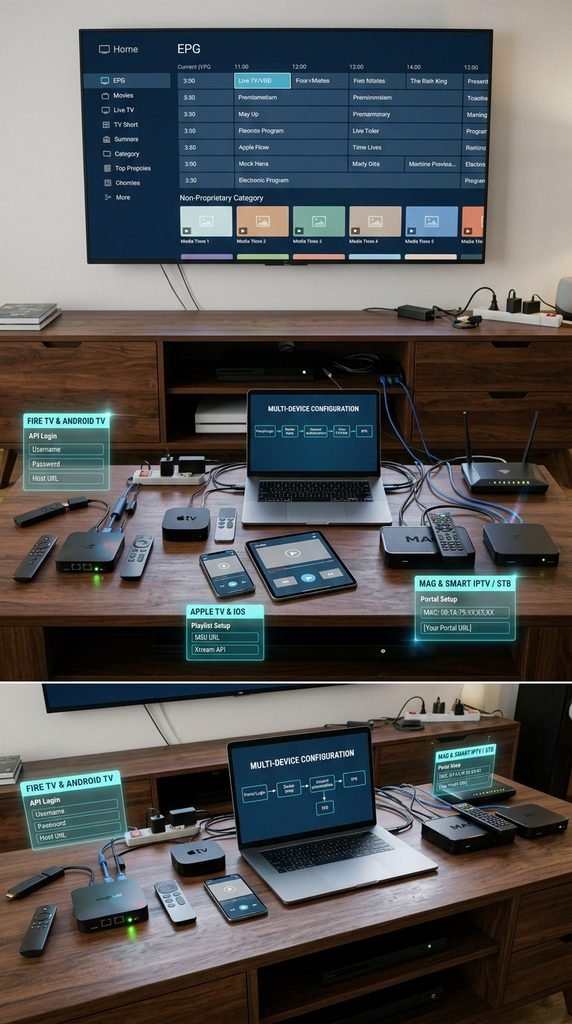
Amazon Firestick and Android TV media players use the Xtream Codes API login format for swift EPG synchronization.
Download and install Downloader from the official Amazon Appstore or Google Play Store.
Open Downloader, enter the direct code for TiviMate or IPTV Smarters Pro, and install the application.
Launch your installed IPTV player and select Add Playlist, then pick Xtream Codes API.
Type your assigned Server URL, Username, and Password into the corresponding input fields.
Click Include VOD, then select Save / Login to pull channel lineups and EPG data.
Configuring Trex IPTV on Apple TV & iOS Devices
Apple tvOS and iOS platforms restrict sideloading, requiring players available directly on the Apple App Store.
Open the Apple App Store on your Apple TV or iPhone and install GSE Smart IPTV or iPlayTV.
Open the application, navigate to the Xtream Codes API menu section, and tap Add Account.
Fill in the Server URL along with your account Username and Password.
Save the entry and permit the application to download television guide data to local cache storage.
Connecting MAG Boxes and Smart IPTV (STB Emulator)
Dedicated set-top boxes rely on MAC address locking rather than standard password authentication.
Locate the 12-character MAC address printed on the bottom label of your MAG box (00:1A:79:XX:XX:XX).
Provide this MAC address during setup when requesting access via our free trial portal.
Open System Settings on your MAG device, select Servers, and navigate to Portals.
Enter the portal URL sent in your account confirmation email into the Portal 1 URL line.
Save settings and reboot the device to complete server handshake authentication.
Key Takeaway: Xtream Codes API login offers the most reliable setup on Android and Firestick, while MAG hardware requires portal URL entry paired with MAC address registration.
Trex IPTV Pricing, Subscription Plans, and Free Trial Terms
Subscription tier choices should depend on your required commitment length and multi-screen streaming demands. Our service plans offer transparent, flat-rate pricing with no hidden hardware rental fees or unexpected automatic renewals.
Review complete pricing breakdowns on our official pricing page.
1-Month Plan: $14.00 / month — Includes 1 active connection, full channel access, VOD library, and 24/7 support.
3-Month Plan: $32.00 ($10.66 / month) — Includes 1 active connection with standard multi-device switching capabilities.
6-Month Plan: $50.00 ($8.33 / month) — Includes 1 active connection, premium sports feeds, and priority server routing.
12-Month Plan: $75.00 ($6.25 / month) — Full multi-device portal access, complete channel line, and discounted annual rate.
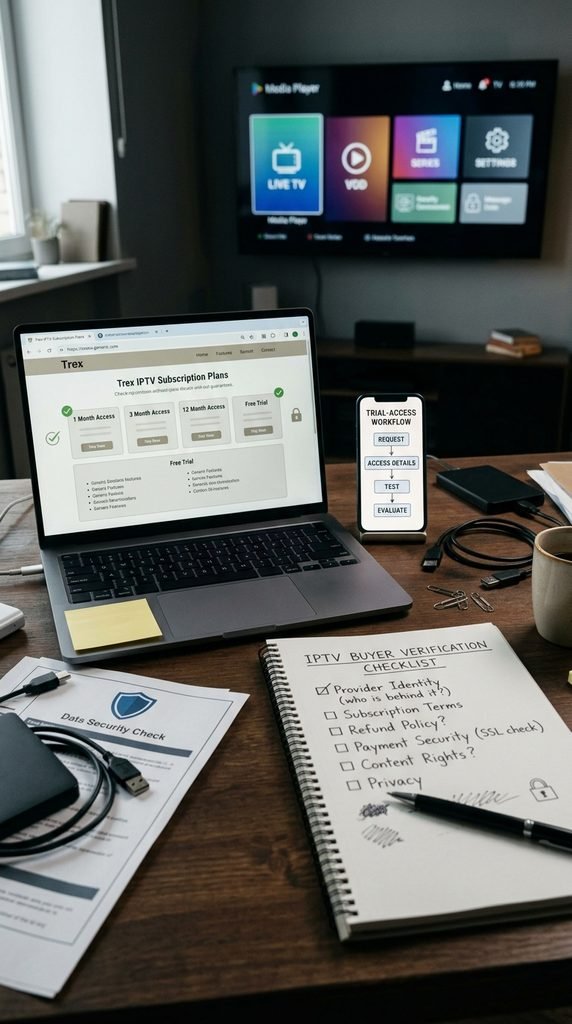
We offer a 24-hour test pass through our free trial page. Trial accounts grant access to all live TV channels and VOD titles, letting you verify stream stability and EPG sync on your home internet connection before buying a multi-month package.
Key Takeaway: Subscriptions range from $14.00 monthly down to $6.25 per month on annual plans, supported by a full-feature 24-hour trial pass.
Is Trex IPTV Legal and Safe to Use?
Determining IPTV legality depends on copyright holding licenses and geographic distribution laws. The platform acts as a media distribution network; end-users remain responsible for complying with local content distribution regulations in their home jurisdiction.
+-----------------------------------------------------------------------+
| LEGAL & PRIVACY NOTICE                                                |
| Users must verify that streams viewed through third-party media player |
| applications comply with regional copyright laws. We recommend        |
| evaluating service usage against local telecommunications policies.  |
+-----------------------------------------------------------------------+
Internet Service Providers (ISPs) frequently use deep packet inspection (DPI) techniques to detect sustained high-bandwidth video streams, triggering automated speed throttling during peak hours. Connecting through a trusted Virtual Private Network (VPN) encrypts user connection traffic, protecting streams from artificial ISP slowdowns. Official network security guidelines published by Google Android TV Support emphasize using encrypted network connections when streaming media online.
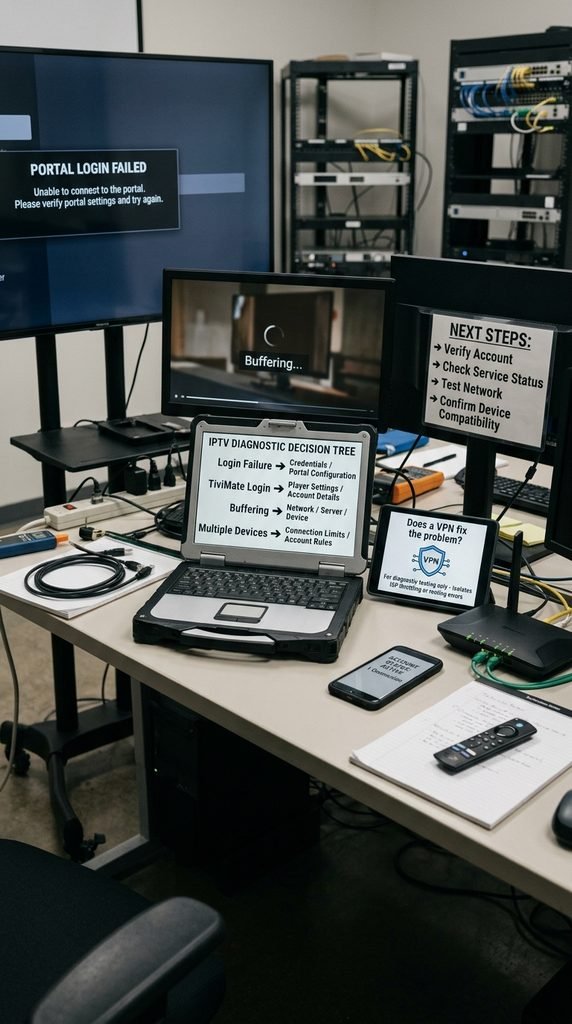
Follow these troubleshooting steps to resolve connection errors:
Error: “Authorization Failed” or “Invalid Credentials” Verify your subscription expiration date. Re-enter your username and password, taking care not to capitalize lowercase letters. Ensure there are no accidental spaces at the end of the Server URL.
Issue: Continuous Buffering or Infinite Loading Loop Run an independent speed test to ensure your connection meets the minimum 25 Mbps requirement. Clear your IPTV application cache under device settings, reboot your router, and connect through an alternate VPN server location.
Issue: EPG (TV Guide) Showing “No Information Available” Navigate to your player app settings, select EPG Sources, and click Clear EPG Data. Force a manual refresh over the Xtream Codes API connection.
Real-World Case Study: A user on a 200 Mbps fiber connection experienced recurring 1080p stream buffering every evening at 8:00 PM. Local network diagnostics confirmed their ISP was throttling UDP traffic to unverified media servers. Enabling a wireguard-protocol VPN routed traffic away from regional ISP congestion points, eliminating buffering and dropping portal connection latency down to a stable 118 ms.
If technical issues persist after completing these checks, submit a ticket through our support page.
Key Takeaway: Clear app cache, verify portal URL formatting, and turn on a VPN to fix portal login errors and ISP-induced buffering.
Frequently Asked Questions
What is the default Trex IPTV portal URL?
The portal URL is the active host domain provided in your subscription email. It uses the standard http://domain-name:port structure for Xtream Codes API player integration.
Can I use my subscription on multiple devices at once?
Standard single-account subscriptions permit one active connection stream at a time. Streaming on a second device simultaneously requires upgrading to a multi-room account plan.
Why is my Trex IPTV portal login failing on TiviMate?
Login failures usually result from mistyped server addresses, expired plan dates, or trailing spaces in text fields. Confirm your credentials match your account setup email exactly.
Do I need a VPN to log into the portal?
A VPN is not strictly mandatory for initial authentication, but it helps bypass ISP throttling, unblock restrictive network ports, and keep your stream private.
How quickly are free trial access details delivered?
Trial credentials drop into your inbox within 5 to 15 minutes after submitting a request on our trial page during normal operating hours.
Next Steps: Connect Your Device
Ready to configure your streaming setup? Test your device compatibility risk-free before purchasing a long-term plan.
Get started by signing up for a 24-hour trial pass on our free trial page. If you already have your credentials, visit our subscription page to activate your primary device plan.