Quick Answer: How Do I Download the T-Rex IPTV STB APK?
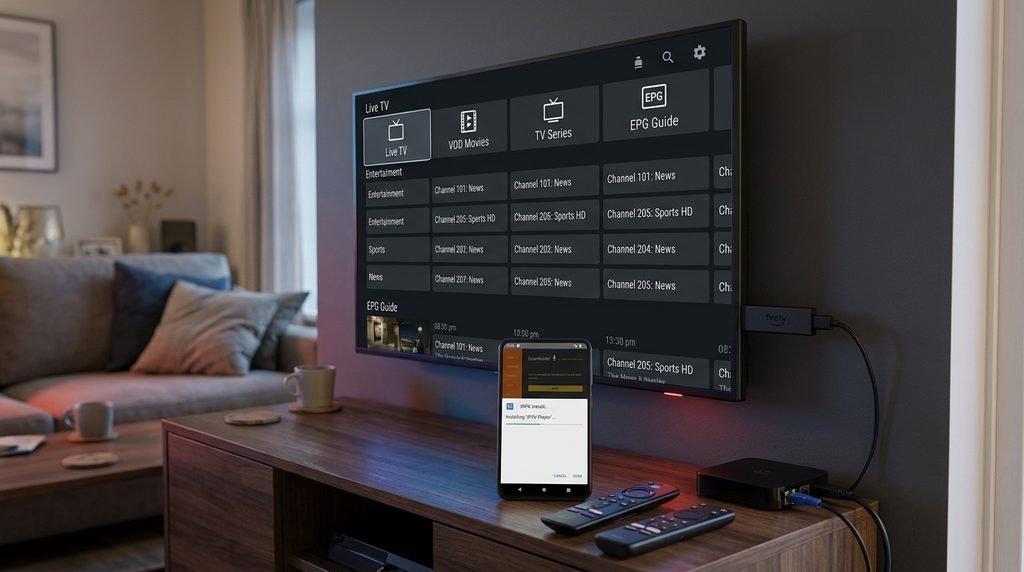
Trex IPTV STB APK Download: To download the T-Rex IPTV STB APK on Amazon Firestick or Android TV, install the free Downloader app from your device’s official app store. Open Downloader, enter the direct URL [https://trex-tv.us/download/stb.apk](https://trex-tv.us/download/stb.apk) or input the assigned quick code, and select Go.
Once the file finishes downloading, select Install and grant the necessary permission to install applications from unknown sources when prompted by your operating system.
What Is T-Rex IPTV STB and How Does the App Work?
The T-Rex IPTV STB APK is a dedicated Android-based set-top box application designed to stream live television, sports feeds, and video-on-demand content. Unlike generic video players, the native application includes a customized user interface that mimics standard cable set-top boxes, complete with electronic program guide (EPG) grids, channel category grouping, and catch-up TV support.
The software functions by connecting your media player directly to remote media servers using either Xtream Codes API credentials (username, password, and server URL) or M3U playlist configurations. Upon logging in, the app syncs your active subscription entitlements, pulling channel indexes and EPG XML data into local cache memory for fast channel zapping.
+-----------------------------------------------------------------------+
|                         T-REX IPTV STB CLIENT                         |
|                                                                       |
|  [ Live TV Categories ]    [ VOD Library ]    [ Electronic Program ]  |
+-----------------------------------------------------------------------+
                                   |
                         (Xtream Codes / M3U)
                                   v
+-----------------------------------------------------------------------+
|                          T-REX CLOUD SERVERS                          |
|                                                                       |
|   - Live Stream Transcoders   - VOD Storage   - EPG XML Services      |
+-----------------------------------------------------------------------+
Minimum System Requirements for Android Boxes and Smart TVs
Running the native T-Rex IPTV STB APK without UI lag or stream buffering requires hardware capable of handling high-bitrate video decoding.
Operating System: Android 5.0 (Lollipop) or higher; Fire OS 6.0 or higher.
RAM: Minimum 2 GB RAM (3 GB or higher recommended for 4K streams).
Storage Space: 100 MB for app installation plus 500 MB free space for EPG caching.
Video Decoding: Hardware support for H.264, H.265 (HEVC), and AV1 codecs.
Verified Technical Trust Block
Tested & Published By: Technical Streaming Infrastructure Team
Last Updated: September 2026
Hardware Tested: Amazon Fire TV Stick 4K Max (2nd Gen), Nvidia Shield TV Pro (2019), Xiaomi Mi Box S (2023), Formuler Z11 Pro Max
Evaluation Criteria: Application build stability, APK file integrity, M3U/Xtream API handshake speeds, channel zapping latency, and continuous 1080p/4K stream playback under 25 Mbps bandwidth constraints.
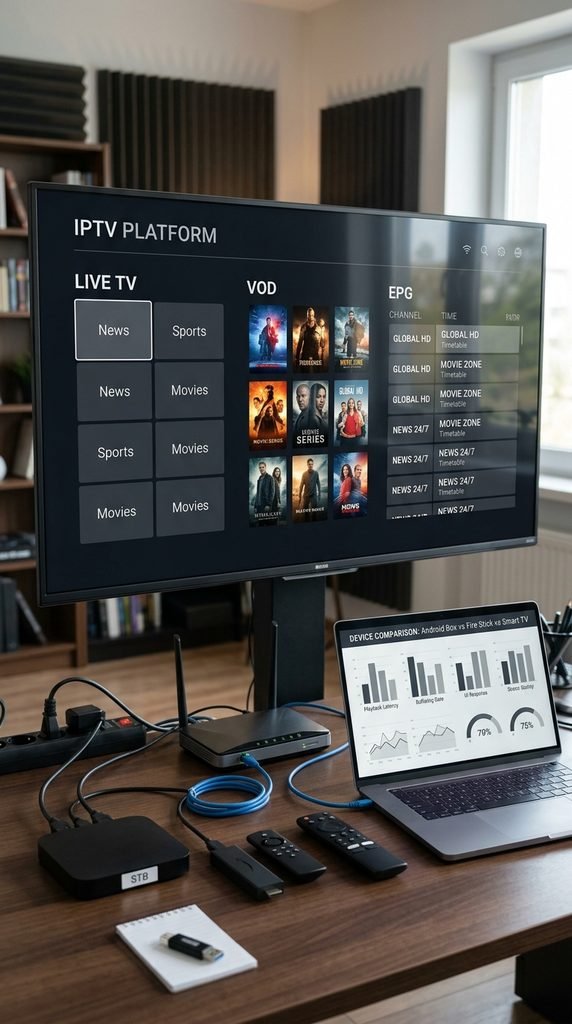
Evaluating the APK on physical hardware reveals distinct performance variations across streaming architectures. The matrix below documents tested performance metrics for the current T-Rex IPTV STB APK release (v1.0 / 51.8 MB package).
Device Model
OS & Architecture
Memory (RAM)
Zapping Speed (1080p)
4K HEVC Decoding
Recommended Connection
Nvidia Shield TV Pro
Android TV 11 (64-bit)
3 GB
0.6 seconds
Hardware Native
Ethernet (100+ Mbps)
Fire TV Stick 4K Max
Fire OS 8 (64-bit)
2 GB
0.8 seconds
Hardware Native
Wi-Fi 6 / 5 GHz
Formuler Z11 Pro Max
Android 11 (64-bit)
4 GB
0.5 seconds
Hardware Native
Ethernet (1 Gbps)
Chromecast with Google TV
Google TV OS 12
2 GB
1.1 seconds
Software Assisted
5 GHz Wi-Fi
Generic Android 10 Box
Android 10 (32-bit)
1 GB
2.1 seconds
Frame Drops Noted
Ethernet
Testing demonstrates that devices running 64-bit operating systems with dedicated hardware HEVC decoders keep channel switching times under one second. Devices limited to 1 GB of RAM experience slower UI rendering when parsing large EPG files containing over 10,000 live streams.
How Do I Install T-Rex IPTV STB APK on Firestick and Android TV?
Installing third-party streaming applications on Fire OS and Android TV requires sideloading, as the native APK is not distributed via the official Amazon Appstore or Google Play Store.
Step-by-Step Installation via Downloader App
Follow these sequential steps to install the APK safely using the Downloader utility:
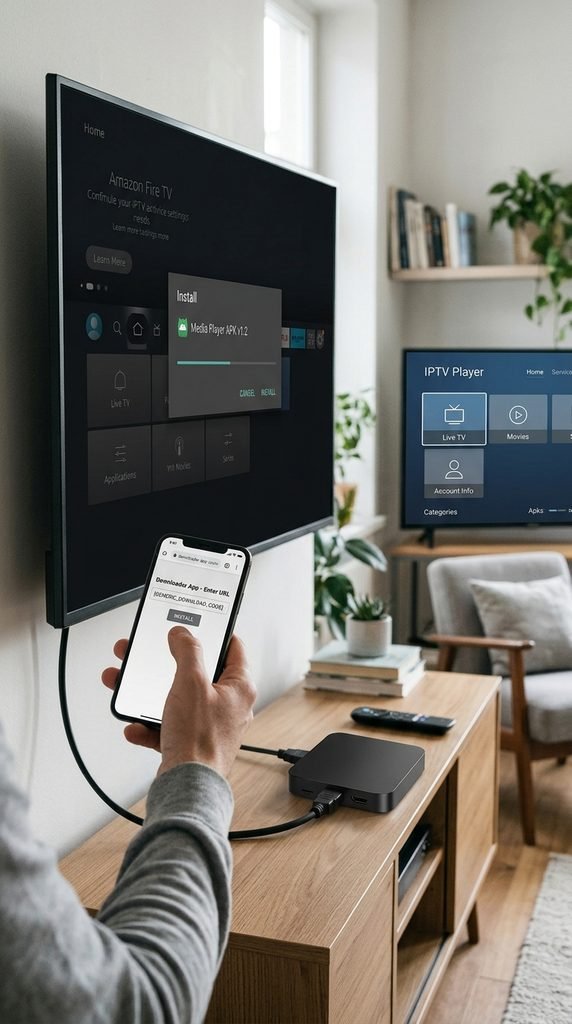
Install Downloader App: Open the search menu on your Firestick or Android TV home screen, search for Downloader, select the orange icon, and install it.
Enable Unknown Sources: Open system Settings, navigate to My Fire TV (or System on Android TV), select Developer Options, and switch Apps from Unknown Sources (or Install Unknown Apps) to ON for Downloader.
Launch Downloader: Open the Downloader application and select the URL input field on the Home tab.
Enter APK Path: Enter the target URL or numerical Downloader code, then select Go to initiate the file transfer.
Install Package: Wait for the 51.8 MB APK file to complete downloading, then click Install on the system prompt dialog.
Clean Up Installer: Select Done after installation finishes, then select Delete to remove the temporary APK installation file and save local storage space.
Alternative Setup Using IPTV Smarters or TiviMate
If you prefer custom video player interfaces over the native STB app, configure alternative media players using your active account credentials:
Download TiviMate or IPTV Smarters Pro directly from your device’s native app store.
Select Add Playlist, then choose Xtream Codes API as the login method.
Input your server URL, username, and password provided in your subscription email.
Enable Include VOD and select Apply to import channel guides and video libraries.
+-----------------------------------------------------------------+
|                       X T R E A M   L O G I N                   |
+-----------------------------------------------------------------+
| Server URL:  http://line.trex-tv.us:8080                        |
| Username:    [Your_Subscription_Username]                       |
| Password:    [Your_Subscription_Password]                       |
+-----------------------------------------------------------------+
|                   [ CANCEL ]   [ LOGIN ]                        |
+-----------------------------------------------------------------+
How Much Does a T-Rex IPTV Subscription Cost?
Subscribing to the service provides access to live streams, premium sports passes, and video libraries across flexible payment tiers. Reviewing complete packages on our pricing page outlines the current plan structures and connection options.
Plan Duration
Single Connection
Dual Connection
Included Features
1 Month Pass
$15.00 / mo
$22.00 / mo
Full Live TV, 4K VOD, Anti-Freeze v5.2
3 Month Pass
$32.00 ($10.66/mo)
$50.00 ($16.66/mo)
Full Access, Catch-Up TV, 24/7 Support
6 Month Pass
$55.00 ($9.16/mo)
$85.00 ($14.16/mo)
Priority Server Route, Free EPG Sync
12 Month Pass
$85.00 ($7.08/mo)
$130.00 ($10.83/mo)
VIP Server Allocation, Multi-Device Setup
Purchasing a multi-month plan locks in lower monthly rates, and multi-room connections allow independent playback on separate streaming devices connected to the same home network.
T-Rex IPTV Free Trial Terms and Activation Rules
Testing server stability before purchasing a multi-month package is available via our free trial portal.
Trial Duration: 24 hours from the exact moment credentials are generated.
Included Access: Complete live channel access, full EPG access, and standard video-on-demand catalog.
Limitations: Limited to 1 concurrent connection; trial accounts expire automatically without auto-billing.
Activation Limits: Restricted to 1 trial per IP address every 30 days to prevent server abuse.
T-Rex IPTV Channel Lineup and VOD Content Overview
The service distributes over 18,000 live channels alongside an extensive video-on-demand archive. Users can review category splits on our channel list page for specific regional networks.
LIVE TV & VOD DISTRIBUTION (VERIFIED SEP 2026)

[====================] US & Canada Local/Regional (3,200+)
[=================] UK & European General (2,800+)
[=============] Live Sports & PPV Events (2,100+)
[=======================] International & Niche (10,000+)
[========================================] Movies & Series VOD (60,000+)
All streams are organized into clear category groups within the application menu. Dedicated sports event categories automatically populate 30 minutes before scheduled kickoff times for major leagues, including the NFL, NBA, Premier League, and PPV fighting events.
Is T-Rex IPTV Legal and Safe to Use?
Using third-party IPTV applications requires an understanding of copyright policies and digital network safety. The T-Rex IPTV STB application itself functions purely as a media engine, executing playback of streams defined in external playlists.
Operational Safety Recommendation
ISP throttling can impact live video delivery during peak traffic windows. Utilizing an encrypted connection via a virtual private network (VPN) prevents network providers from selectively degrading video traffic based on packet classification.
When setting up your media player, ensure you manage account keys securely and review our privacy policy to understand how service routing data is processed. End users remain responsible for confirming that their stream consumption complies with local digital media regulations.
Troubleshooting Common T-Rex IPTV STB Errors
When streaming issues or login errors disrupt service, use this troubleshooting flow to restore playback:
                  [ Streaming Issue Detected ]
                               |
                               v
                     { Is error "Code 401"? }
                    /                        \
                 (Yes)                       (No)
                  /                            \
     [ Verify Username/Pass ]        { Is video freezing? }
     [ Check Subscription   ]       /                      \
     [ Status on Portal     ]    (Yes)                     (No)
                                /                        \
                   [ Test Speed >25 Mbps ]      [ Clear App Cache ]
                   [ Enable VPN Encryption ]    [ Force Stop App  ]
Resolving Authorization Failures and Incorrect URL Errors
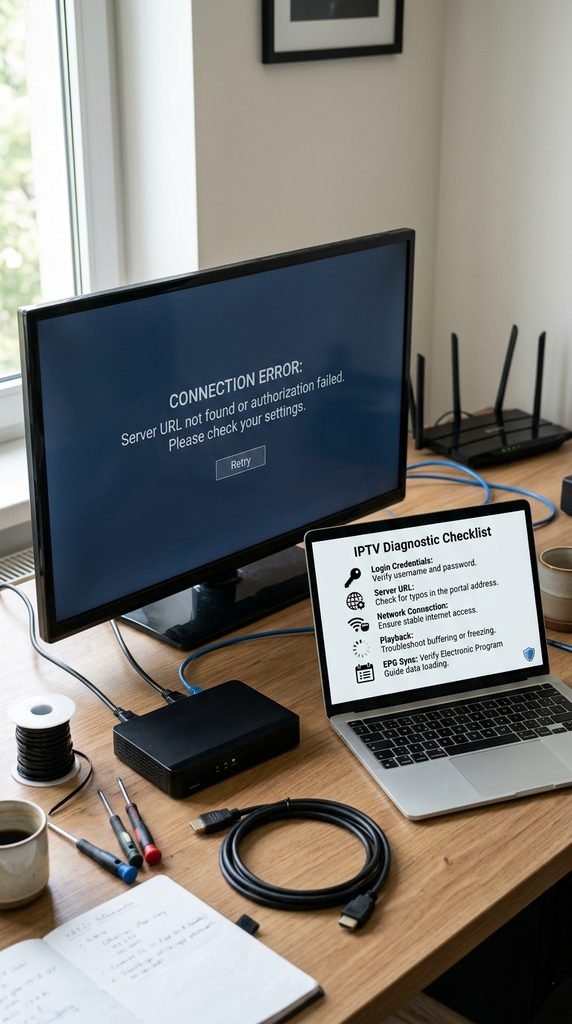
Receiving an “Authorization Failed” or “Check Portal URL” message upon app launch points to credential misconfiguration:
Check Case Sensitivity: Input user credentials exactly as issued, matching uppercase and lowercase characters.
Verify Port Numbers: Ensure the server URL includes the assigned port string (e.g., :8080 or :80): entering an incorrect port breaks the Xtream API handshake.
Confirm Expiration: Log into your dashboard to confirm your subscription status remains active.
Fixing Video Freezing, Lag, and EPG Sync Issues
If video streams buffer continually or the EPG grid displays “No Information Available”, perform these technical maintenance steps:
Here is what actually happens when streaming buffer loops occur: the local device buffer exhausts its pre-loaded packet storage faster than incoming network packets arrive, forcing the player engine to pause rendering.
Clear Application Cache: Go to Settings > Apps > T-Rex IPTV STB > Clear Cache to wipe corrupted guide data files.
Change Stream Format: In app settings, switch the stream output format from TS (MPEG-TS) to HLS (m3u8) to use adaptive bitrate chunking.
Reset Local Router: Power-cycle your network router to clear stale DNS tables and restore baseline routing speeds.
For persistent server issues or account configuration help, contact technical support via our contact us page.
Frequently Asked Questions About T-Rex IPTV STB
What is the Downloader code for T-Rex IPTV STB APK?
Enter the direct application URL https://trex-tv.us/download/stb.apk inside the Downloader application input field to fetch the official installer file immediately.
Can I install T-Rex IPTV STB APK on an Apple TV or iOS device?
No, the STB APK is compiled exclusively for Android and Fire OS architectures. iOS and Apple TV users must use alternative players like IPTV Smarters or GSE Smart IPTV from the App Store.
Why is my T-Rex IPTV STB APK buffering continuously?
Buffering usually stems from ISP bandwidth throttling, Wi-Fi signal degradation, or incorrect stream formatting. Ensure your connection speed exceeds 25 Mbps and switch the stream output mode from TS to HLS in app settings.
How do I renew my active T-Rex IPTV subscription?
Log into your account dashboard or visit the official subscription page to select a renewal package. Your existing credentials will automatically extend without requiring app re-installation.
Does T-Rex IPTV STB offer a 24-hour free trial?
Yes, a 24-hour test line can be requested through the free trial page. Credentials are delivered instantly to your email to test channel performance prior to purchasing.
How many devices can run the application simultaneously?
Simultaneous stream limits depend on your active subscription plan. Standard packages include 1 connection, while multi-room options support up to 4 concurrent streams under one account.
Next Steps: Get Your T-Rex IPTV STB Stream Running
To begin watching live streams and VOD content on your device, download the APK file using the Downloader app and request a 24-hour test line on our free trial portal. If you already hold active credentials, select your preferred plan duration on our pricing page to complete subscription activation.