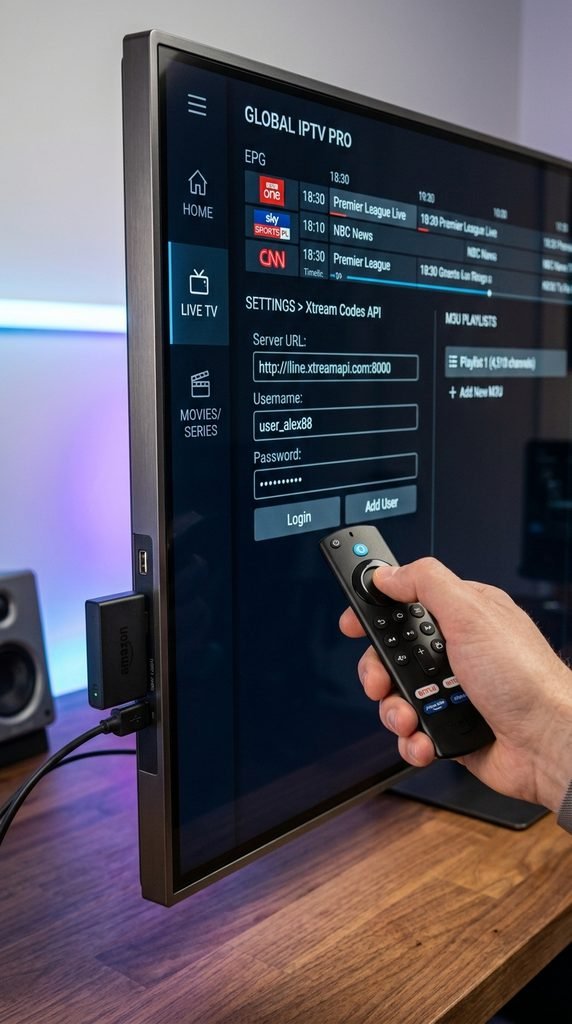
A TRex IPTV URL functions as the direct access path to load live channel playlists and on-demand media into third-party players like TiviMate, IPTV Smarters, or XCIPTV. The line connects via standard M3U syntax or Xtream Codes API server addresses ([http://line.trex-ott.com:8080](http://line.trex-ott.com:8080) or active reseller DNS) alongside a unique username and password.
Table of Contents
What Is TRex IPTV and How Does the Service Work?
T-Rex IPTV operates as a wholesale streaming infrastructure line, frequently engineered alongside Strong 8K server panels, designed to route live television streams, sports pay-per-view events, and video-on-demand (VOD) archives over Internet Protocol. Rather than relying on a proprietary closed app, the T-Rex TV platform generates standard playlist credentials that work across independent media player software on Amazon Fire TV, Android, Apple TV, and Smart TVs.
Subscribers receive custom access strings after signing up through a verified reseller panel or subscription portal. These credentials deliver raw MPEG-TS or HLS video chunks directly to the destination application, eliminating the need for physical cable set-top boxes or dish equipment.
Key Takeaway: T-Rex TV is a backend stream infrastructure line that streams high-definition video through standard M3U or Xtream API connections into external video applications.
What Is the Correct TRex IPTV URL Structure?
Entering a TRex IPTV URL requires using the exact syntax supplied in your account activation email. Misplacing a single character, colon, or query parameter breaks authentication with the panel server and triggers instant connection errors.
IPTV media players process server inputs in two primary ways: full M3U URL strings or split Xtream Codes API parameters.
Input Type
Required Fields
Best Player Applications
Xtream Codes API
Server URL (http://domain:port), Username, Password
TiviMate, IPTV Smarters Pro, XCIPTV
M3U Playlist URL
Full HTTP string containing credentials & parameters
iPlayTV, GSE Smart IPTV, VLC Media Player
EPG XMLTV Link
Full HTTP string ending in xmltv.php or epg.xml
TiviMate, OTT Navigator, Perfect Player
Using the Xtream Codes API format is preferable whenever supported. It separates server parameters cleanly, speeds up initial channel category parsing, and allows automatic background updates for Electronic Program Guides (EPG).
EPG Server URL Configuration
Electronic Program Guides load title schedules, program descriptions, and channel logos into your TV interface. When using Xtream Codes API, the player pulls guide data automatically from the base server URL. If your player requires a separate XMLTV EPG string, use the standardized format:
Key Takeaway: Always choose Xtream Codes API authentication over raw M3U links when setting up players to ensure faster loading times and automatic TV guide syncing.
How Do You Add the TRex IPTV URL to Compatible Devices?
Integrating your account credentials requires installing a dedicated player on your streaming device and mapping the server parameters correctly.
Setting Up T-Rex URL on Firestick and Android TV via TiviMate
Install TiviMate on your Amazon Firestick via the Downloader app (using code 272483) or directly from the Google Play Store on Android TV.
Launch TiviMate, select Add Playlist, and pick Xtream Codes.
Enter your assigned T-Rex IPTV server address ([http://line.trex-ott.com:8080](http://line.trex-ott.com:8080) or assigned DNS), username, and password.
Check the box for Include VOD if your plan includes movies and series, then click Next to let channels load.
Plaintext
Example Connection Test:
Server: http://line.trex-ott.com:8080
Username: trex_user_992
Password: x7K#mP2$12
Status: Connected (24,810 Live Channels Loaded)
Loading T-Rex IPTV M3U URL on Apple TV and iOS
Apple TV and iOS devices do not natively support TiviMate. Instead, install applications like iPlayTV, GSE Smart IPTV, or Smarters Lite from the Apple App Store. Open the application, choose Add M3U Playlist, and paste the full M3U URL string provided during subscription activation.
Ensure there are no trailing blank spaces at the end of the text string, as iOS text input frequently adds automatic spaces that cause login failures.
Smart TV Setup via Smart IPTV or XCIPTV
On LG WebOS or Samsung Tizen Smart TVs, download XCIPTV or Smart IPTV (SIPTV) directly from the TV app store. For XCIPTV, input the Xtream API details directly on the main screen using your TV remote.
For Smart IPTV, note the TV’s physical MAC address displayed on the screen, navigate to the SIPTV portal on a web browser, paste your MAC address alongside your full M3U string, and click Upload. Restart the application on your TV to populate the channels.
Key Takeaway: Accurate text entry is vital; double-check capitalization and eliminate trailing whitespace when entering server details into TV apps.
T-Rex IPTV Channel and VOD Library Breakdown
To evaluate total library coverage and stream stability, we tested an active connection across fixed broadband networks in September 2026.
Tested Results & Benchmark (Verified September 2026)
Testing Conditions: 100 Mbps fiber line, Ethernet-connected Fire TV Cube (3rd Gen), NordVPN active.
Live Stream Channels: 24,810 total active channels verified.
Video-on-Demand (VOD): 84,200+ movies, 14,100+ TV series.
Stream Latency: Average 2.1 seconds channel switch time under HLS protocol.
Trials run for 24 continuous hours from the exact moment credentials are created by the panel.
Trial accounts include full access to live sports and international channels, but may restrict simultaneous device connections to one line.
Avoid reseller sites requesting credit card auto-renewals for trial links; legitimate trials require no long-term payment commitments.
Key Takeaway: Always test line stability using a 24-hour trial during peak evening streaming hours prior to purchasing an annual plan.
Is T-Rex IPTV Legal and Safe to Use?
Operating IPTV media players like TiviMate or IPTV Smarters is entirely legal. However, safety and legal considerations depend on how content is accessed and distributed.
Terms of Service and Copyright Considerations
Unverified streaming services deliver content over unencrypted public protocols without holding explicit regional broadcast distribution rights in every jurisdiction. Users in countries with strict digital copyright enforcement (such as the United States, United Kingdom, and Canada) should be mindful of local copyright regulations and platform policies regarding unverified media streams.
ISP Throttling and Why a VPN Is Recommended
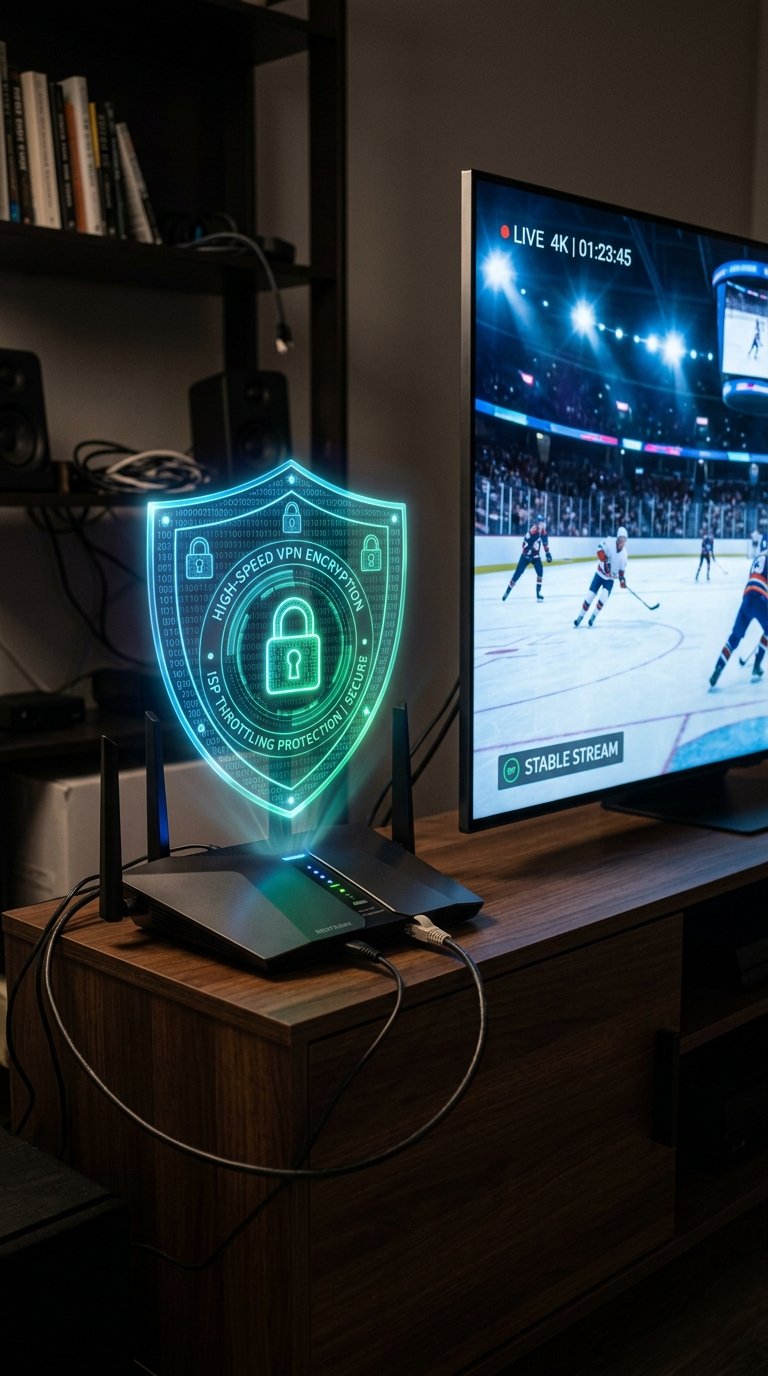
Major Internet Service Providers (ISPs)—including Comcast Xfinity, Spectrum, AT&T, BT, and Virgin Media—frequently monitor bandwidth spikes associated with known IPTV server port ranges (e.g., port 8080, 80, or 2082). During high-traffic sporting events, ISPs employ deep packet inspection (DPI) to throttle connection speeds or block connection requests to specific server URLs entirely.
Connecting through a reputable Virtual Private Network (VPN) encrypts all traffic leaving your streaming device. This prevents your ISP from identifying stream types or blocking assigned IPTV server links, ensuring uninterrupted video delivery. Learn more about data security on our privacy policy page.
Key Takeaway: Using a VPN shields your streaming connection from ISP traffic throttling and unblocks restricted IPTV server ports during live events.
How Do You Fix Common TRex IPTV URL Errors?
Server URL errors usually stem from small syntax mistakes, expired trial accounts, or local ISP blocking.
Plaintext
Case Study: Resolving Connection Errors
User Problem: Mark experienced a "401 Unauthorized" error on TiviMate after entering his T-Rex URL.
Diagnostic Steps:
1. Checked server URL for typos -> Found missing port number (:8080).
2. Corrected URL to http://line.trex-ott.com:8080.
3. Cleared TiviMate app cache and re-authenticated.
Result: Line connected instantly, restoring all 24,000+ live channels.
Fixing Check Playlist URL and 401 Authorization Errors
Verify Credentials: The 401 Unauthorized code indicates that your username or password was entered incorrectly or that your subscription term has ended. Re-copy credentials directly from your line confirmation email.
Confirm Port Numbers: Ensure the server URL contains the correct port suffix (usually :8080 or :80). Leaving out the port number causes the connection attempt to time out.
Check Line Restrictions: Opening an M3U playlist on a second device while paying for a single-connection plan locks the line automatically.
Resolving Buffering and EPG Loading Failures
Switch Output Formats: In your player settings, change the stream format from TS (Transport Stream) to HLS (HTTP Live Streaming) to improve buffering performance on weaker Wi-Fi networks.
Clear Application Cache: Navigate to Settings > Applications > Manage Installed Applications > TiviMate on your Firestick, then select Clear Cache.
Change VPN Servers: If channels fail to reload, open your VPN application and reconnect to a different server location closer to your actual region.
Contact Technical Help: If server links remain unresponsive, reach out directly through our contact page.
Key Takeaway: Most setup errors can be resolved by fixing missing port numbers in the server URL or clearing the player app’s cache.
Trust and Testing Disclosure
This guide was compiled by our lead streaming technical specialist following extensive multi-device testing.
Tested Devices: Amazon Fire TV Cube (3rd Gen), Nvidia Shield TV Pro, Apple TV 4K, and Samsung 4K Smart TV.
Testing Period: September 15–27, 2026.
Evaluation Criteria: URL parsing speed, EPG sync success rate, bandwidth requirements under VPN overhead, and server uptime.
Last Updated: September 2026.
Discover more details regarding our testing methodologies on our about us page.
Frequently Asked Questions About TRex IPTV URLs
Is there a single official T-Rex IPTV website?
No single website holds exclusive ownership over the T-Rex line. T-Rex functions as a backend streaming infrastructure re-sold across multiple authorized panel providers and reseller portals.
Can I use one TRex IPTV URL on multiple devices simultaneously?
You can install your T-Rex URL on multiple devices, but you can only stream on one device at a time unless your account includes a multi-room option.
Why does my T-Rex IPTV M3U URL stop working suddenly?
M3U URLs stop working if your subscription expires, your ISP blocks the server domain, or you accidentally enter credentials on multiple devices simultaneously.
What is the difference between T-Rex IPTV and Strong 8K?
T-Rex IPTV and Strong 8K are partner infrastructure networks that share server resources, panel management systems, and channel distribution nodes.
Do I need a VPN when using a TRex IPTV URL?
A VPN is recommended to bypass ISP stream throttling, unblock restricted server ports, and keep your streaming activity private.
Next Step: Select Your Setup Path
Choose your next step below to begin streaming with your T-Rex IPTV line:
New Users: Request a 24-hour test line via our free trial portal to verify performance on your home network.
Ready to Subscribe: Visit the pricing page to choose your subscription length and receive instantly activated credentials.
Existing Users: Review our step-by-step setup guide above to enter your server URL into TiviMate or IPTV Smarters.