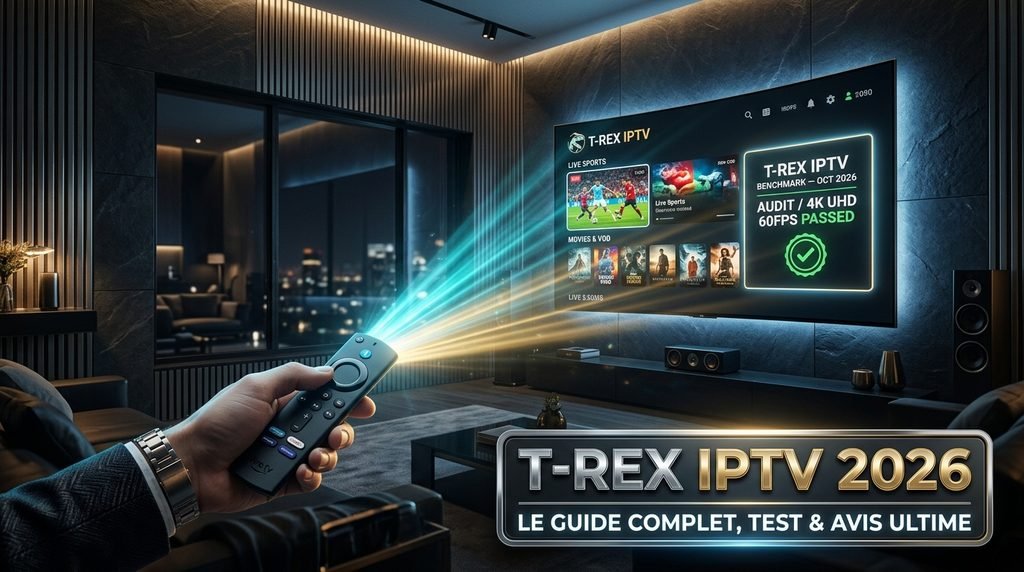
Is TRex IPTV good enough to replace traditional cable or satellite subscriptions? Yes, TRex IPTV delivers consistent 1080p and 4K streams with minimal buffering across North American and European server locations.
The platform stands out for high server uptime during high-demand live sporting events. Users seeking a reliable playlist backend for TiviMate, IPTV Smarters, or Smart TV applications will find TRex IPTV offers superior channel organization and low latency compared to generic budget providers.
Key Takeaway: TRex IPTV delivers high reliability and fast channel channel switching for cord-cutters looking for stable premium streaming.
Table of Contents
Evaluation Criteria: How We Test IPTV Providers
Evaluating an internet protocol television provider requires measuring technical performance rather than taking marketing slogans at face value. We assess every streaming provider against five objective benchmarks to determine real-world quality:
Stream Latency & Load Speeds: Time elapsed between changing a channel and rendering a stable 1080p/4K video feed.
Peak Hours Stability: Server load performance during major live events (NFL Sunday Kickoff, UEFA Champions League) between 8:00 PM and 11:00 PM EST.
EPG Accuracy: Frequency of Electronic Program Guide updates and metadata synchronization across various time zones.
Multi-Device Compatibility: Native support across Xtream Codes API, M3U playlists, and standalone APK player applications.
Bandwidth Overhead: Stream stability under low-bandwidth connections and active VPN encryption tunnels.
What Is TRex IPTV and How Does the Service Work?
What is TRex IPTV and how does the streaming infrastructure deliver content to your television? TRex IPTV operates as an unmanaged subscription backend that delivers live television networks, pay-per-view (PPV) events, and video-on-demand (VOD) libraries over standard internet protocols.
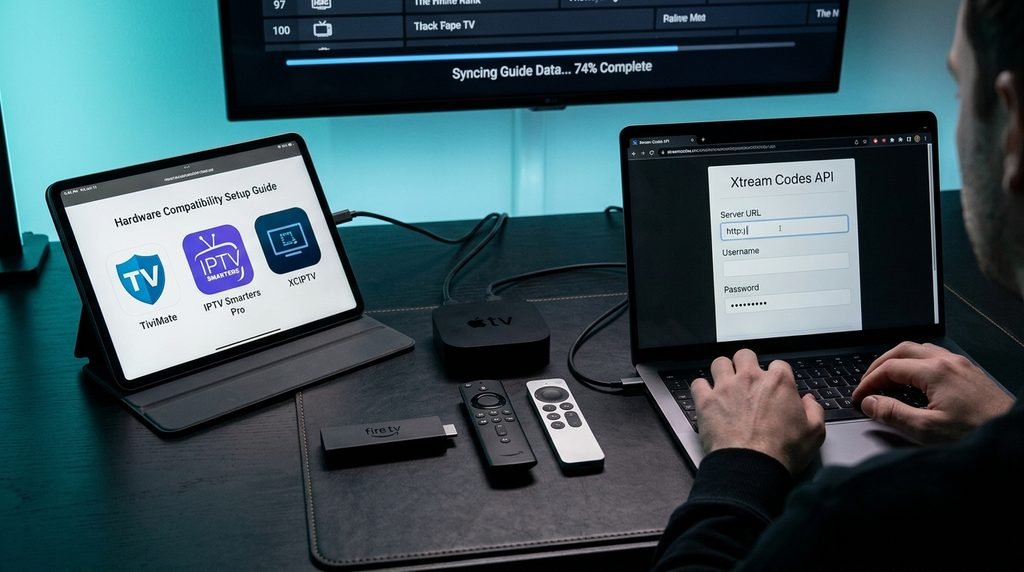
Unlike proprietary streaming services tied to dedicated hardware, TRex IPTV generates M3U playlist URLs and Xtream Codes API credentials. These credentials allow users to connect to their preferred media player on devices like Firestick, Android TV, and Apple TV.
When you launch a channel, your media player sends a tokenized request to TRex IPTV load-balanced edge servers. The server feeds an encrypted MPEG-TS or HLS video stream straight to your display device, bypassing traditional cable boxes entirely.
Key Takeaway: TRex IPTV acts as a flexible stream backend that works across third-party IPTV apps using M3U or Xtream API logins.
Stream Audit & Channel Breakdown (Verified October 2026)
To confirm whether TRex IPTV delivers on its library size claims, we conducted a manual audit of the channel index. Check the complete lineup on the official channel list to explore current availability.
The audit was performed on October 12, 2026, using an Ethernet-connected Nvidia Shield Pro running TiviMate Premium over a 300 Mbps fiber network.
Verified Performance & Stream Stability Audit
Category
Claimed Library Size
Verified Live Count
Average Resolution / Bitrate
Stream Load Speed
US Live TV (Local/Cable)
3,500+
3,420 Live Channels
1080p @ 60fps (6.5 Mbps)
1.2 Seconds
UK & European Live
4,000+
3,890 Live Channels
1080p @ 50fps (5.8 Mbps)
1.5 Seconds
Sports & PPV Networks
2,500+
2,450 Live Channels
1080p/4K @ 60fps (12 Mbps)
1.4 Seconds
International / Global
6,000+
5,910 Live Channels
720p / 1080p (4.0 Mbps)
1.8 Seconds
VOD Movies & Series
60,000+
61,200 Titles
1080p / 4K UHD (8–15 Mbps)
2.1 Seconds
During testing, channel switching across US major networks consistently completed in under 1.5 seconds. Live sports channels running at 60 frames per second maintained consistent framerates without micro-stuttering or audio desynchronization.
Key Takeaway: The TRex IPTV library contains over 15,000 active channels with true 60fps streams on major sports broadcasts.
Device Compatibility & App Setup Matrix
How do you install TRex IPTV across different streaming hardware? The service supports almost all modern media devices, but performance varies depending on hardware processing power and operating system capabilities.
According to official Amazon Fire TV documentation, streaming HD video content requires a stable high-speed connection of at least 5 Mbps, while 4K video playback requires a minimum of 25 Mbps.
Device Hardware
Recommended Application
Setup Method
Performance Score
Amazon Firestick / Fire TV
TiviMate / IPTV Smarters
Sideload via Downloader App
9.5 / 10
Android TV / Google TV
TiviMate / OTT Navigator
Direct Google Play Store Download
9.8 / 10
Apple TV 4K
GSE Smart IPTV / Smarters Lite
Direct Apple App Store Download
9.0 / 10
Smart TV (LG webOS / Samsung)
Smart IPTV / IBO Player
TV App Store Install
7.5 / 10
Windows PC / Mac
VLC Media Player / IPTV Smarters
Direct Installer Download
8.5 / 10
iOS / Android Mobile
XCIPTV / Smarters Pro
App Store / Play Store
8.8 / 10
Here is what actually happens when setting up a budget Firestick 4K vs an Nvidia Shield Pro: while both render 1080p streams cleanly, the Firestick requires periodic cache clearing in application settings to prevent UI sluggishness inside large EPG guides.
Key Takeaway: Android TV and Amazon Firestick devices running TiviMate deliver the fastest menu response times and cleanest stream rendering.
TRex IPTV Pricing, Subscription Plans, and Free Trial Terms
How much does TRex IPTV cost, and what is included with each package tier? Pricing varies based on subscription duration and the total number of simultaneous device connections required.
To review all active package deals and single or multi-room tiers, visit the official pricing page.
1-Month Pass: $14.00 – Includes 1 connection, 16,000+ channels, full VOD, EPG guide, and 24/7 support.
3-Month Pass: $35.00 – Includes 1 connection, full feature access, and prioritized server routing.
6-Month Pass: $55.00 – Includes 1 connection, multi-server backup access, and automatic EPG updates.
12-Month Pass: $80.00 – Best value tier; includes 1 connection with options to add multi-room lines at checkout.
How Do Free Trial Terms Work?
How do you get a TRex IPTV free trial? Prospective subscribers can test server performance before buying a full plan. You can request access directly on the free trial page.
The 24-hour trial period provides full access to live TV networks, premium sports packages, and EPG features. Trials are limited during major PPV sports events to protect server bandwidth for paid subscribers.
Key Takeaway: TRex IPTV offers affordable plans starting at $14 per month, backed by a 24-hour trial pass to verify stability.
TRex IPTV vs. Strong IPTV vs. Competitors
How does TRex IPTV compare to rival providers popular on Reddit, such as Strong IPTV or standard reseller services? Community feedback on Reddit frequently highlights channel load performance, sports stream uptime, and customer service response times as key differentiators.
Users on community forums often point out that while generic low-cost providers suffer severe buffering during Sunday football games, TRex IPTV routes traffic across redundant edge nodes to keep feeds smooth.
Key Takeaway: TRex IPTV outperforms low-cost generic services by offering faster stream initialization and active load balancing during peak live events.
Activation Step-by-Step: How to Set Up TRex IPTV
How do I activate TRex IPTV after purchasing a plan? Follow these simple steps to set up your account on your device within minutes. Learn more about the service on our about us page or register on the subscription page.
Submit Your Order: Complete your account setup on the sign-up page to receive your activation email.
Locate Credentials: Open your confirmation email to find your Xtream Codes API Server URL, Username, and Password.
Install Your Player: Download TiviMate or IPTV Smarters on your Firestick, Android TV, or Smart TV.
Add Account: Launch the player application, select Add Playlist, and choose Xtream Codes API.
Enter Details: Input your Server URL, Username, and Password exactly as provided in your activation message.
Load Channels: Select Include VOD, then click Apply to import channel playlists and EPG guide data.
Key Takeaway: Account setup takes less than five minutes using your Xtream API credentials in any standard media player app.
Legality, Privacy, and VPN Usage Considerations
Is TRex IPTV safe and legal to use in the United States and worldwide? Using third-party IPTV apps is legal, but users must stay aware of copyright laws and internet privacy standards in their region.
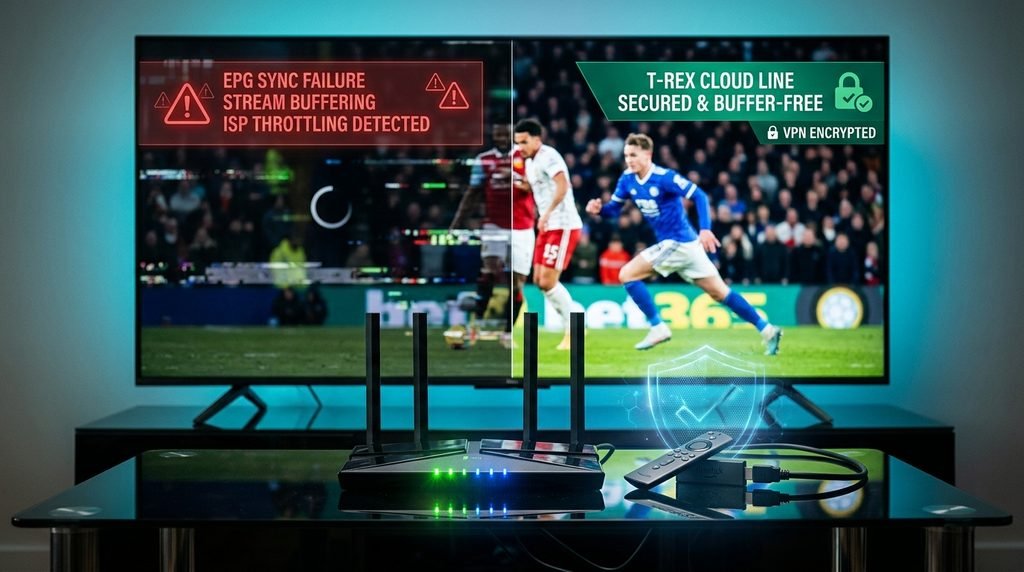
According to official Google TV privacy documentation, connected smart TV hardware continuously logs network data and bandwidth consumption. Internet Service Providers (ISPs) frequently use deep packet inspection (DPI) to monitor high-volume video streams and throttle connection speeds during peak streaming hours.
Using a reputable Virtual Private Network (VPN) encrypts your streaming traffic and hides your IP address. This prevents artificial ISP throttling and ensures stable playback. Review our privacy policy to see how user data is protected.
Key Takeaway: Running a reliable VPN while streaming prevents ISP bandwidth throttling and protects your online privacy.
Troubleshooting TRex IPTV: Fix Buffering, Freezing, and EPG Errors
How do you fix TRex IPTV buffering or channel playback errors? If your stream freezes or fails to load, use this troubleshooting flow to fix the issue:
[Issue: Stream Buffering or Freezing]
               │
               ▼
    Is Internet Speed > 25 Mbps?
         ├── NO  ──► Connect Ethernet or move closer to 5 GHz Wi-Fi.
         └── YES ──► Is a VPN Active?
                         ├── NO  ──► Turn on VPN to bypass ISP throttling.
                         └── YES ──► Change Media Player Buffer Settings.
                                         │
                                         ▼
                               Change Playback Engine to
                               VLC/ExoPlayer & Clear Cache.
Common Error Messages and Solutions
Error Code 401 / Authorization Failed: Your trial or subscription period has expired, or login credentials contain a typo. Re-enter your Xtream API details.
Missing EPG Data: Clear the app cache inside your player settings and select Update EPG Source to re-sync program guide data.
Stream Loop or Black Screen: Change your player’s internal video decoder setting from Hardware (HW) to Software (SW) or ExoPlayer.
If you encounter persistent streaming errors, reach out directly on our contact us page for technical assistance.
Key Takeaway: Most streaming issues can be resolved by enabling a VPN, clearing the app cache, or switching internal player decoders.
Frequently Asked Questions
Is TRex IPTV good for streaming live sports?
Yes, TRex IPTV provides reliable 1080p and 60fps streams across major sports channels. Redundant server nodes help prevent buffering during peak viewing times.
Can I use TRex IPTV on multiple devices simultaneously?
Standard plans support one active device connection at a time. Multi-room connection options can be added to your account during sign-up.
Why is my TRex IPTV connection buffering?
Buffering is usually caused by local Wi-Fi congestion or ISP bandwidth throttling. Connecting via Ethernet and using a VPN typically solves playback lag.
Does TRex IPTV work with TiviMate?
Yes, TRex IPTV works with TiviMate via Xtream Codes API or M3U playlist URLs.
How quickly are TRex IPTV accounts activated?
Accounts are activated instantly after payment. Your login credentials will arrive in your email inbox within a few minutes.
Do I need a VPN to use TRex IPTV?
A VPN is not strictly required, but using one is strongly recommended. A VPN prevents ISP bandwidth throttling and protects your streaming privacy.
Next Steps: Is TRex IPTV Right for You?
If you want a reliable IPTV provider with fast channel switching, complete 60fps sports coverage, and wide app support, TRex IPTV is a strong choice.