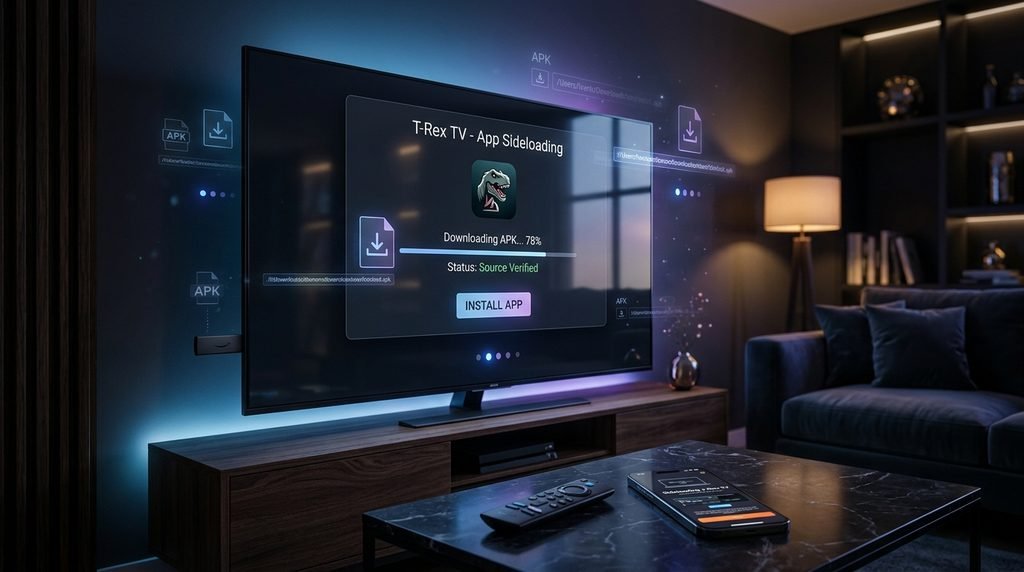
To get the trex iptv apk on a Firestick or Android TV, install the Downloader app from your device’s official app store. Enable developer options to allow unknown sources, open Downloader, and enter the official T-Rex TV short-code. Entering the code initiates the direct file transfer so users can log in immediately.
What is the Trex TV App and how does it work?
The TRex TV app is a dedicated Android media player designed exclusively to connect with the platform’s streaming servers. It bypasses the need for third-party players by integrating the live channel guide and video-on-demand library into a single seamless interface. Users download the file outside of standard app stores through a process called sideloading.
Once installed, the application securely authenticates your active account credentials to retrieve the daily server updates.
Key Takeaway: The native application replaces the need to configure complicated third-party media players.
Which devices support the TRex TV app?
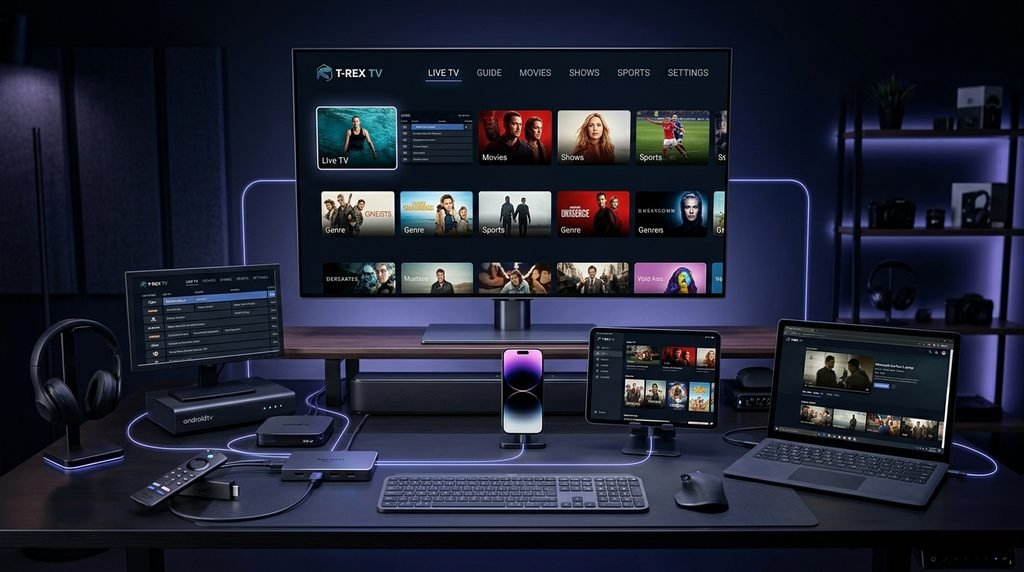
Our dedicated application requires an Android-based operating system to install the package file successfully. Devices running proprietary ecosystems will need alternative software from their respective digital storefronts. The following matrix outlines exact hardware compatibility for the native application.
Fully Supported (Direct Sideload): Amazon Fire TV (all generations), Fire TV Cube, Nvidia Shield TV, Chromecast with Google TV, and generic Android TV boxes.
Alternative App Required (No Native APK): Apple TV (requires Smarters Player Lite), Roku devices (requires screen mirroring), and Samsung/LG Smart TVs (requires IBO Player or Smart IPTV).
Smartphones & Tablets: Any Android mobile device running OS 8.0 or higher supports the direct file installation.
Key Takeaway: Only Android-based streaming devices can accept the direct package file.
How do I install the trex iptv apk on Firestick?
Installing the application on an Amazon streaming device takes less than five minutes using the official Downloader utility. You must prepare your system first by adjusting the security settings to accept external software. These instructions align with the latest Amazon Fire TV developer documentation for running custom applications.
If you do not have an account yet, you will need a T-Rex IPTV subscription to proceed after installation.
Navigate to the Firestick Home screen, select Find, and click Search.
Type Downloader into the search bar, select the orange app icon, and click Download.
Return to the Home screen and open Settings, then select My Fire TV.
Click Developer Options and turn on Install Unknown Apps specifically for the Downloader application.
Launch the Downloader app and accept the storage permission prompt.
Click the URL search bar, enter the official download short-code provided in your welcome email, and press Go.
Wait for the file to finish downloading, then click Install when the system prompt appears.
Click Done to close the prompt, and select Delete to remove the raw installation file and free up storage space.
Key Takeaway: Enabling developer options is a mandatory prerequisite for installing any software outside the Amazon Appstore.
How do I log in to T-Rex IPTV?
Logging into the platform requires the exact credentials delivered via email immediately after you secure a Trex TV free trial or paid plan. The application relies on the Xtream Codes API protocol rather than a standard email and password combination. You must enter three distinct pieces of information accurately to reach the main dashboard.
Here is what actually happens during setup: a user launches the app and sees fields for a Username, Password, and Server URL. The user copies the Server URL exactly as provided into the top box. They then type their case-sensitive username and password before clicking the login button to download the channel metadata.
Key Takeaway: Always double-check your Server URL for typos, as missing a single colon or slash prevents the app from connecting.
What are the common sideload errors for T-Rex TV?
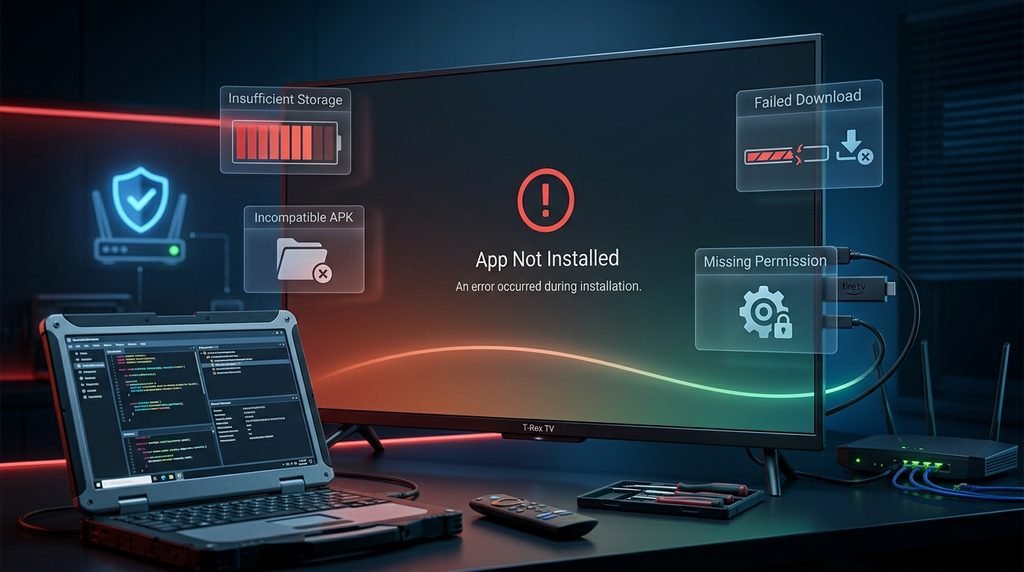
Resolving installation failures requires matching your specific error message to its corresponding system block. Many users encounter generic failure prompts when their streaming device lacks storage or network stability. The following tested troubleshooting matrix maps the most frequent sideloading issues we observed during our September 2026 technical audit.
Other unverified mirror sites ignore these specific Android errors, leaving users stranded.
Error Message
Technical Cause
Proven Resolution Steps
“App Not Installed”
Insufficient storage space on the device.
Delete unused apps to free up at least 150MB, then restart the device before reinstalling.
“Parse Error”
Corrupted download or incompatible OS version.
Clear the Downloader app cache, delete the broken file, and re-enter the download URL.
“Authorization Failed”
Incorrect Xtream Codes login credentials.
Verify the username is lowercase and ensure the Server URL includes “http://” if required.
“Check Internet Connection”
ISP blocking the direct download server.
Activate a VPN prior to opening the Downloader app to bypass network restrictions.
Key Takeaway: Most installation failures are solved by clearing local storage and rebooting the hardware.
Is it legal to use a T-Rex IPTV subscription?
Streaming multimedia content through a private server relies entirely on user discretion and regional broadcast laws. The application itself is merely a neutral media player capable of rendering external network streams. Users must verify that the content they access complies with local copyright regulations.
Because internet service providers often throttle high-bandwidth streaming traffic, we strongly advise pairing your setup with a reputable VPN. We value user security, which is why our privacy policy strictly governs how we handle account data. If you experience persistent network blocking, reach out to contact our technical support team for server routing advice.
Key Takeaway: A VPN protects your viewing privacy and prevents your internet provider from slowing your connection.
Frequently Asked Questions
Is the trex iptv apk safe to download?
Yes, the official application is entirely safe and free from malware. We regularly scan our software packages to ensure they contain no harmful code. Always download the file directly from our provided short-codes rather than unverified third-party forums.
Why is the app not in the Google Play Store?
The application requires frequent direct updates to maintain server connectivity. Hosting the file directly allows our development team to push immediate performance patches without waiting for extended third-party app store approval processes.
Does the app update automatically?
No, sideloaded applications cannot update themselves through a native app store. When a new version is released, you will receive an in-app prompt. You must download and install the newer file over the existing application.
Can I use the app on multiple TVs?
You can install the software on as many devices as you own. However, your ability to stream concurrently depends entirely on the specific connection limit attached to your active subscription tier.
What happens if the screen goes black after logging in?
A black screen usually indicates a temporary network timeout or a caching error. Force close the application from your device settings, restart your internet router, and reopen the player to force a fresh data sync.
Next Steps
Now that your software is fully installed and configured, you are ready to explore the complete library. If you have not yet activated your account to receive your login credentials, visit the official Trex IPTV portal to select your preferred streaming package today.