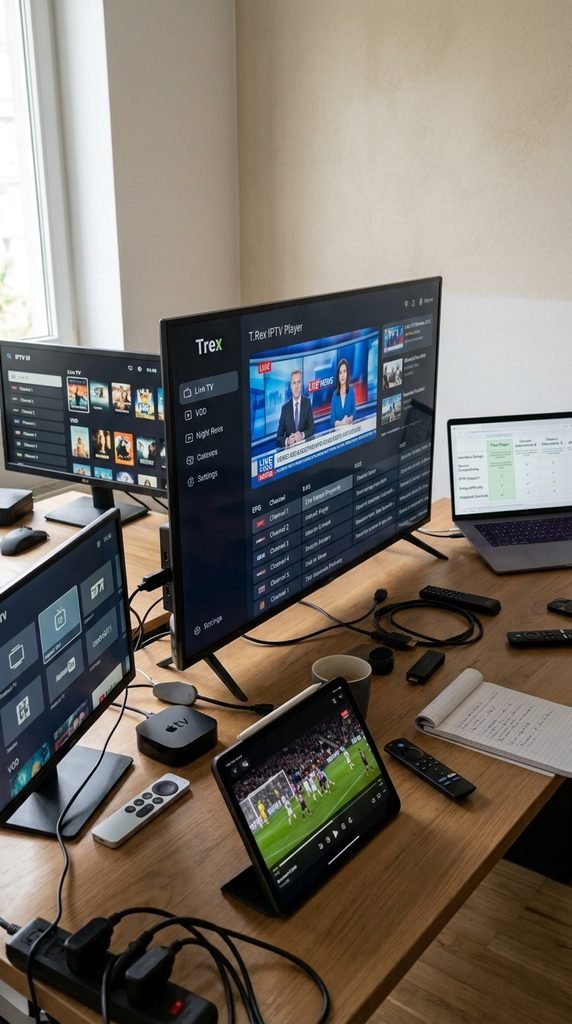
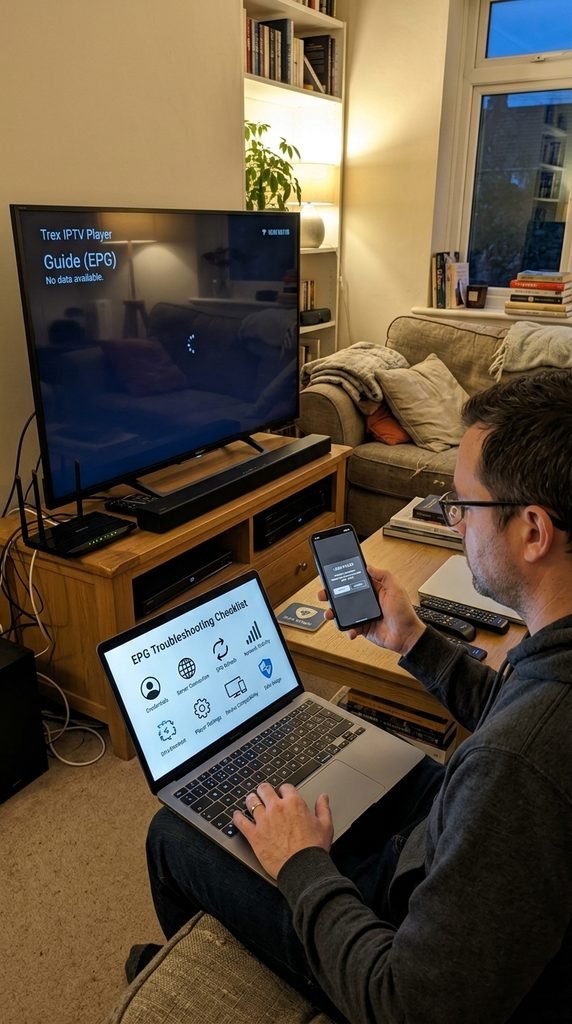
The Trex IPTV player is a dedicated media application built to interface with global streaming servers, allowing users to stream live television networks and video-on-demand libraries. Unlike traditional broadcasting apps, this software acts strictly as a structural portal. It requires active credentials—such as an Xtream Codes API login or an M3U playlist link—to fetch channels from a remote host. Downloading the software package gives you the user interface, but unlocking actual media streams requires an active service configuration. Users frequently confuse the standalone APK client with the broader backend service infrastructure. Understanding that the player is merely the viewing window helps isolate whether an issue stems from application errors or server connectivity.
Here is what actually happens when you launch the application for the first time: the software pings the configured host URL, downloads electronic program guide (EPG) metadata, and organizes thousands of global channels into categories like sports, entertainment, and news. Without a valid provider profile entered into the fields, the interface remains blank.
Key Takeaway: The Trex IPTV player is a free-to-download interface application, but it requires independent subscription credentials to stream content.
Device and Player Compatibility Matrix
Finding the right software configuration depends heavily on your underlying hardware architecture. While Amazon Fire TV devices and Android boxes support direct APK sideloading, closed ecosystems like Apple TV or LG Smart TVs require third-party middleware players.
The following tested compatibility breakdown outlines what works best across major consumer operating systems, verified as of September 2026:
Operating System
Recommended Player App
Login Method Supported
Setup Difficulty
Fire OS (Firestick 4K / Cube)
Trex Native APK / TiviMate
Xtream Codes API / M3U
Moderate (Requires Downloader)
Android TV / Google TV
Trex Native APK / IPTV Smarters
Xtream Codes API / M3U
Easy
Apple TV (tvOS)
iMPlayer / IPTV X
Xtream Codes API
Easy (App Store download)
Samsung / LG Smart TV
Smart IPTV / IBO Player
MAC Address / M3U
Easy (App Store download)
Windows / macOS
VLC Media Player / Web Player
M3U Playlist URL
Easy
This matrix solves the common ambiguity of trying to install incompatible software onto restricted operating systems like webOS or tvOS.
Key Takeaway: Match your hardware ecosystem to the correct player type to avoid unnecessary sideloading errors on closed smart platforms.
How to Install Trex IPTV Player on Firestick and Android TV
Because Amazon Fire TV and Google Android TV devices operate on restricted app stores, installing the native media client requires sideloading via utility tools. Follow these precise steps to deploy the application safely on your streaming stick.
Prepare your device: Turn on your Firestick, navigate to Settings, select My Fire TV (or System), choose Developer Options, and set Install Unknown Apps to On for the Downloader utility.
Launch Downloader: Open the Downloader app from your home screen or application library.
Enter the shortcut code: Type in the verified shortcode 6597144 or enter the direct APK source URL ([https://app.trex-iptv.info/trex.apk](https://app.trex-iptv.info/trex.apk)) into the URL search field.
Download the package: Click Go and wait for the application package (roughly 20MB to 55MB depending on the build version) to finish downloading onto your local storage.
Complete the installation: Once the download prompt appears on your screen, click Install in the bottom right corner.
Clean up installation files: After the installation finishes, click Delete twice to remove the installation package and save internal storage space on your device.
Key Takeaway: Enabling unknown sources and utilizing official shortcodes prevents corrupted installations during the sideloading phase.
Activation and Login: Connecting Your Subscription
Once the interface is installed on your streaming hardware, linking your service account requires inserting specific backend credentials. Having these ready prevents timeout errors during setup.
Launch the application and select your preferred login style. Most users choose Xtream Codes API because it automatically pulls live television, catch-up links, and complete electronic program guide data without manual file management. Enter your configuration data carefully:
Server URL: The primary portal address provided with your account activation details (e.g., [http://line.server-address.com:8080](http://line.server-address.com:8080)).
Username: Your unique subscriber username string.
Password: Your designated alpha-numeric account password.
Double-check for trailing blank spaces after entering your username or password, as mobile or remote-control keyboards frequently inject an accidental space character that triggers authentication rejection. Click Sign In or Add User to let the client sync with the remote database.
Key Takeaway: Using Xtream Codes API instead of raw M3U files ensures your channel lists and television guides update automatically upon startup.
Best Alternative Players for Trex IPTV
If the native application experiences compatibility blocks on your specific hardware or you prefer a more advanced grid interface, you can route your service credentials through reputable third-party media players.
TiviMate: Widely regarded as the gold standard for Android-based streaming boxes. It features a modern electronic program guide, multi-screen viewing, and customizable remote button mapping.
IPTV Smarters Pro: Excellent for cross-platform compatibility, offering native apps for iOS, Android, and Windows with parental controls and multi-user profile management.
Smart IPTV (SIPTV): Ideal for Samsung and LG smart television models where sideloading Android APKs is physically restricted by the manufacturer.
According to streaming optimization insights published in tech documentation by Amazon Fire TV developers, running a lightweight external player often reduces RAM utilization on legacy hardware compared to bloated default media wrappers.
Key Takeaway: Third-party media players provide stable alternative interfaces if the native application fails to install on specialized hardware.
Troubleshooting the Trex Player
Technical hiccups can interrupt your viewing session. Resolving them quickly requires targeting the root cause rather than aimlessly restarting your device.
When facing an “Authorization Failed” error message, verify that your subscription has not expired and re-type your Xtream credentials character by character. If you experience persistent buffering during peak evening hours, test your network speed; high-definition streams require a stable downward bandwidth of at least 15 Mbps. Clearing the application cache via your device settings menu often resolves sudden application crashes or frozen electronic program guide timelines.
Key Takeaway: Most playback and authentication errors are resolved by clearing local cache data or verifying active subscription status.
Legality and Player Safety
Downloading, installing, and configuring media player software on your personal hardware is entirely legal. However, the legal standing of any streaming session depends entirely on the nature of the media files and playlists loaded into the application interface. Consumers should review regional copyright regulations and digital media service terms before accessing third-party broadcasting lists. Transparency regarding software intent ensures users understand that the application tool is legally distinct from the broadcast content it displays.
Key Takeaway: The media player software functions as a neutral tool, while copyright and licensing compliance depend entirely on the streams loaded by the end user.
Frequently Asked Questions
Is the Trex IPTV player app free to download?
Yes, the application software is free to download and install on compatible devices, though it requires separate account credentials to stream media.
What login method is recommended for setup?
Using Xtream Codes API is recommended because it automatically pulls electronic program guides and video-on-demand categories without manual URL updates.
Why is my electronic program guide (EPG) empty?
An empty guide usually indicates an outdated server URL, an expired subscription token, or a temporary interruption in local cache data synchronization.
Can I use the app on an Apple TV device?
Apple TV devices do not support native APK sideloading, but you can route your service credentials through compatible App Store players like iMPlayer or IPTV X.
How do I fix constant video buffering?
Buffering is typically caused by local network congestion or internet service provider throttling; switching to a wired Ethernet connection often resolves it.
Where can I find additional technical support?
If you encounter account-related activation errors, consult your provider’s support desk or review resources via our support and contact portal.
Next Steps
Now that your media player is successfully installed and configured, explore our complete library resources or review package options to optimize your streaming setup: